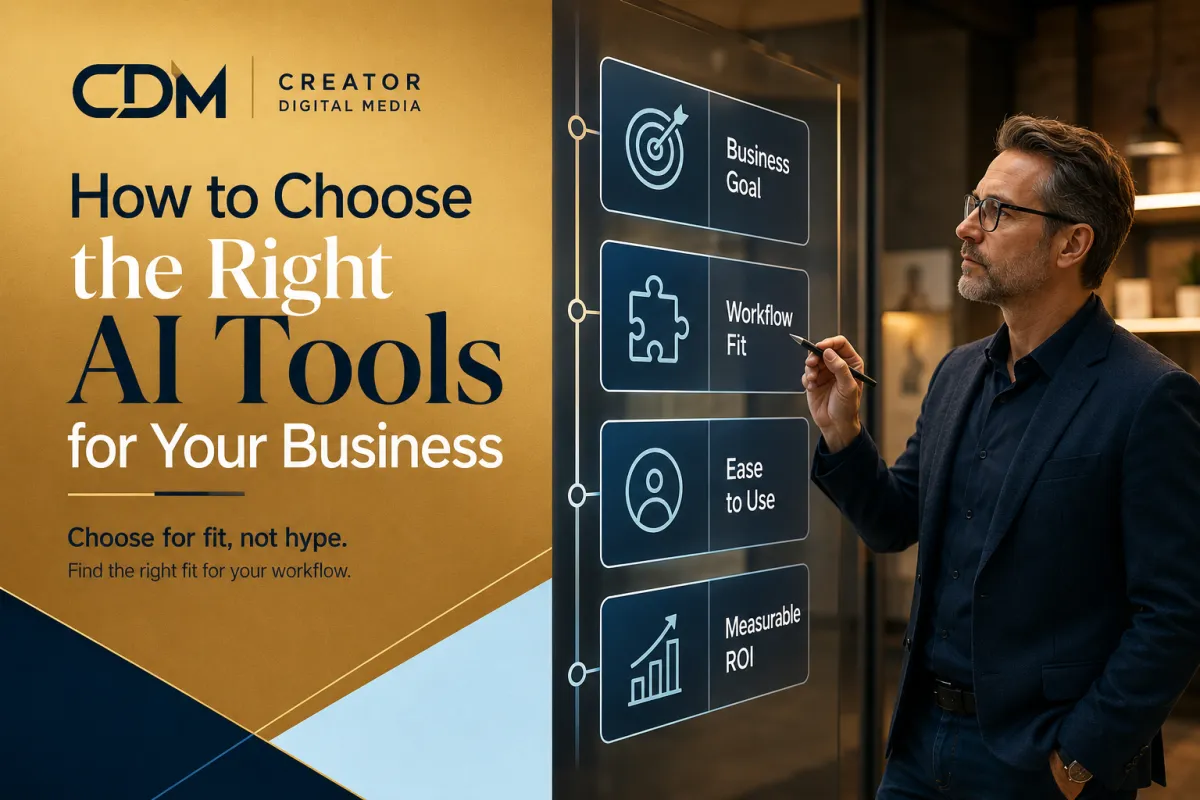
How to Choose the Right AI Tools for Your Business
Small businesses do not need every AI tool. They need the right tools for the right workflows.
That distinction matters because the AI software market is crowded. New tools promise faster content, smarter automation, better customer support, improved reporting, meeting summaries, voice agents, image generation, and more. Many of these tools can be useful, but usefulness depends on fit.
A tool is only valuable when it solves a real business problem, supports a defined workflow, and can be owned, reviewed, and measured.
For small businesses, choosing AI tools should not start with what is trending. It should start with how the business operates.
Start with the workflow
The first question should not be, "Which AI tool should we buy?"
A better question is: "Which workflow needs to improve?"
That workflow may be lead intake, missed-call follow-up, appointment scheduling, customer support, proposal drafting, reporting, content repurposing, CRM updates, or internal knowledge access.
Once the workflow is clear, the business can evaluate whether an AI tool actually fits the job. Without that workflow clarity, tool selection becomes guesswork.
Define the business outcome
Every AI tool should be tied to a business outcome. Otherwise, the business may adopt technology without knowing whether it helped.
Useful outcomes may include:
· Faster lead response
· Fewer missed follow-ups
· Less manual admin work
· More consistent customer communication
· Better internal visibility
· Faster content production
· Cleaner reporting
· Improved appointment scheduling
· Reduced owner dependency
The clearer the outcome, the easier it is to compare tools. A tool that looks impressive but does not support the desired outcome should move lower on the list.
Understand the tool category
Not all AI tools are trying to solve the same problem. A business should understand what type of tool it is evaluating before comparing features.
Common categories include:
· AI chat assistants for answering questions or supporting internal knowledge
· Voice AI agents for phone-based customer interactions
· Workflow automation tools for connecting steps, tasks, and systems
· Content tools for drafting, editing, repurposing, or creating creative assets
· Meeting tools for transcripts, summaries, and action items
· Reporting tools for summaries, insights, and visibility
· CRM or marketing automation platforms with built-in AI features
A tool can be strong in one category and weak in another. The right tool depends on the job it needs to do.
Check integration fit
A tool that does not connect to the way the business already works can create another disconnected system.
Before choosing a tool, ask whether it can work with the systems the business already uses. That may include the CRM, website, forms, calendars, email, phone system, payment tools, reporting dashboards, or customer support process.
The tool does not always need deep integration on day one. But the business should know where the tool will fit and what manual work will still be required.
If a tool creates more copying, pasting, logging in, and cleanup, it may not be the right fit yet.
Evaluate ownership
Every AI tool needs an owner.
Ownership does not mean the owner has to be technical. It means someone is responsible for how the tool is used, what workflow it supports, how outputs are reviewed, and whether the tool is worth keeping.
Before selecting a tool, decide:
· Who will manage it?
· Who will review the output?
· Who will update the workflow?
· Who will monitor results?
· Who will decide if the tool should stay or be replaced?
A tool with no owner often becomes another unused subscription.
Consider data and access requirements
AI tools often need information to be useful. That could include customer details, business documents, call transcripts, form submissions, CRM data, website content, or internal process notes.
Small businesses should be careful about what information they put into a tool and who can access it.
Before adopting a tool, ask:
· What data does the tool need?
· Is that data sensitive?
· Who can access the tool?
· Can the business control permissions?
· Are there limits on what should be uploaded or entered?
· Does the tool fit the business risk level?
This does not mean small businesses need enterprise-level complexity. It means they need basic judgment and clear boundaries.
Look for review and control
AI tools should not remove all human oversight, especially when they affect customers, sales, pricing, operations, or sensitive information.
A good tool should make review easier. It should allow the business to check outputs, edit responses, inspect workflow activity, and correct mistakes.
For customer-facing AI tools, review and handoff rules matter even more. The business should know when a human needs to step in and how the customer gets routed to the right next step.
Compare cost to value
The lowest-cost tool is not always the best choice. The most expensive tool is not automatically better either.
Cost should be evaluated against the value of the workflow being improved. If a tool saves several hours each week, improves lead response, reduces missed opportunities, or gives the owner better visibility, it may be worth the investment.
Useful questions include:
· How much time could this save each week?
· What manual steps could it reduce?
· Could it improve revenue, response time, or customer experience?
· Will people actually use it?
· What happens if we stop using it?
· Is the pricing sustainable if usage grows?
The goal is not to buy cheap tools. The goal is to buy tools that create measurable value.
Avoid feature overload
Many AI platforms promote large feature lists. That can make the tool look powerful, but it can also distract from the actual business need.
For small businesses, the best tool is often the one that does the needed job clearly, reliably, and without adding unnecessary complexity.
A simple tool that supports one important workflow may be more valuable than a complex tool with features the business will not use.
Test before scaling
The first version should be a controlled test, not a full rollout.
Pick one workflow, define the success measure, assign an owner, and test the tool for a fixed period. Thirty days is often enough to learn whether the tool is creating value or just adding noise.
During the test, track the signals that show whether the tool is working:
· Was the tool used consistently?
· Did it reduce manual work?
· Did it improve speed or quality?
· Were outputs accurate enough?
· Did it create new problems?
· Was the owner able to manage it?
At the end of the test, decide whether to keep, adjust, replace, or remove the tool.
A simple AI tool selection checklist
Before choosing an AI tool, a small business should be able to answer these questions:
· What workflow will this tool support?
· What business outcome should improve?
· What category of tool do we need?
· Does it fit our current systems?
· Who will own it?
· What data does it need?
· Where is human review required?
· How will we measure value?
· Can we test it before scaling?
If the answers are unclear, the business may not be ready to choose the tool yet. It may need to map the workflow first.
Final thought
Choosing the right AI tool is less about chasing the newest software and more about matching the tool to the business workflow.
Small businesses should choose AI tools that solve real problems, fit existing operations, have clear ownership, support review, and create measurable value.
The tool should support the business. The business should not have to reorganize itself around a tool that does not fit.
Creator Digital Media helps small businesses evaluate where AI belongs, choose tools that fit their workflows, and build automation systems that support real operating needs. If your business is considering new AI tools, the next step is to map the workflow and define the outcome before selecting the software.
Ready to identify where AI or automation could improve your business operations?



