What an Automated Appointment-Booking Workflow Should Include
Online scheduling can make it easier for customers to choose a time, but the calendar selection is only the beginning of the appointment process. A dependable workflow must also confirm the booking, gather required information, prepare the team, handle changes, and follow up after the appointment.
When these steps are disconnected, a business may collect appointments while still dealing with incomplete intake, schedule conflicts, missed reminders, manual staff notifications, and customers who do not know how to reschedule.
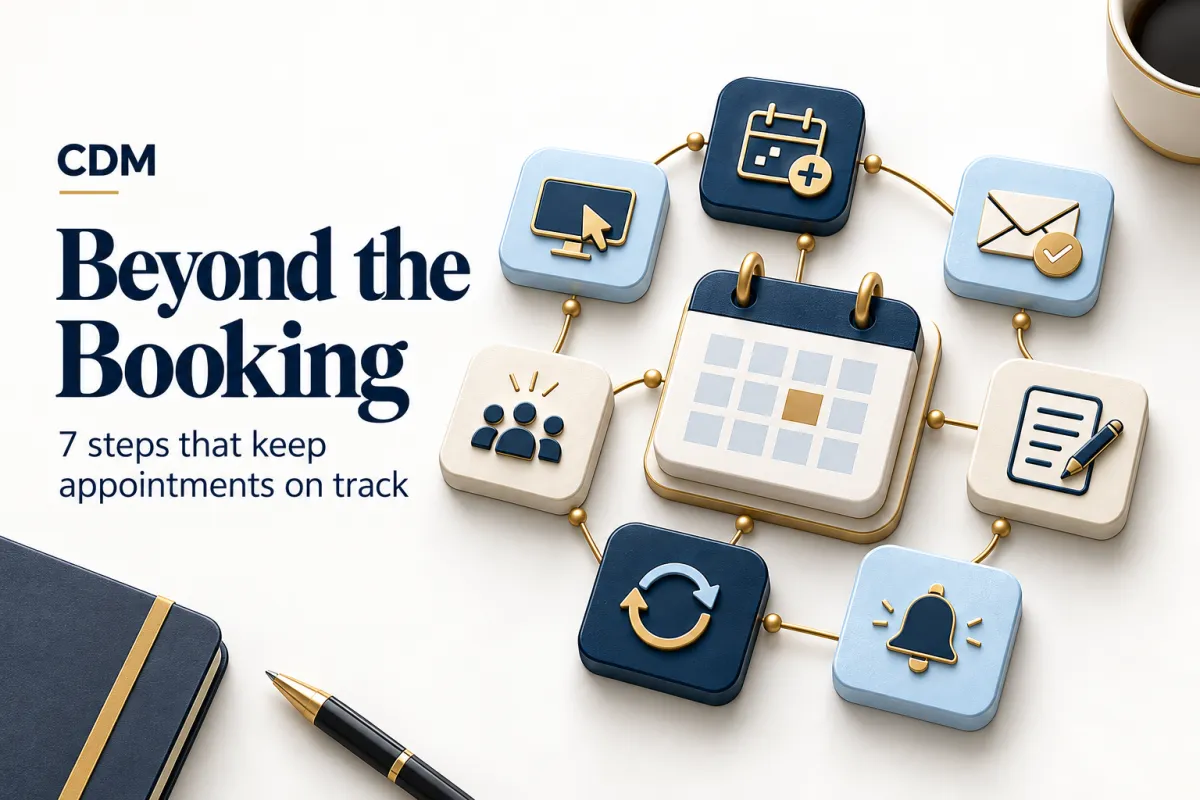
A complete appointment-booking workflow connects seven components around one customer record: booking, confirmation, intake, reminders, rescheduling, staff alerts, and follow-up. Each component should have a clear purpose, owner, trigger, and fallback.
1. Booking: Offer the Right Appointment, Not Every Open Time
The booking step should show appointment options that the business can actually fulfill. Availability may depend on service type, staff qualifications, location, room or equipment requirements, appointment duration, preparation time, travel time, and buffers between sessions.
Define which calendars control availability and how conflicts are prevented. Time-zone handling should be explicit for remote appointments, and the customer should see the date and time in a format that is easy to verify.
Collect only the information needed to create the booking and route it correctly. A long intake form at this stage can reduce completion, especially when more detailed questions can wait until the appointment is secured.
2. Confirmation: Tell the Customer What Was Booked
The confirmation should arrive immediately after the booking and state what the customer needs to know: service, date, time, time zone, location or meeting link, assigned employee when appropriate, expected duration, and instructions for the next step.
A confirmation page alone is not enough because the customer may close it. Send the details through the approved channel and add the event to the connected business calendar. Include a clear way to add it to the customer’s calendar when the scheduling tool supports that option.
If payment, a deposit, identification, documents, or preparation is required, state the requirement and deadline without burying it in a general message.
3. Intake: Gather What the Team Needs to Prepare
Intake should collect the information needed to deliver the appointment effectively. The questions will vary by service, but the workflow should connect every answer to the customer and appointment record.
Use conditional questions so customers see only the fields that apply to their appointment. Save progress when possible, explain why sensitive information is needed, and provide another route when the form is not accessible or the customer needs help.
The workflow should identify incomplete intake before the appointment. That may trigger a reminder to the customer, a task for an employee, or a decision to contact the person directly.
4. Reminders: Reinforce the Appointment Without Creating Noise
Reminders should reduce uncertainty and help the customer arrive prepared. A useful reminder may include:
· The confirmed date, time, time zone, and location or meeting link.
· Any unfinished intake, payment, document, or preparation requirement.
· A clear option to confirm, reschedule, cancel, or request help.
· Contact information for time-sensitive questions.
Choose reminder timing based on the business and appointment type. A high-value consultation, healthcare visit, home-service window, and short virtual meeting may need different schedules. Stop or adjust reminders when the appointment status changes so the customer does not receive an outdated message.
5. Rescheduling and Cancellation: Keep the Calendar Accurate
A customer should not need to call the business simply to move an appointment when self-service changes are appropriate. The rescheduling path should respect minimum-notice rules, service availability, deposits, cancellation policies, and limits on repeated changes.
When the appointment changes, update the connected calendars, customer record, reminders, assigned employee, room or resource reservation, and any related workflow. Send a new confirmation that clearly replaces the previous details.
Provide a human-help option for exceptions. Customers with urgent, sensitive, complex, or policy-related situations should not be trapped in a rigid automated loop.
6. Staff Alerts: Prepare the Right Person at the Right Time
Employees need timely notice of new appointments, changes, cancellations, incomplete requirements, and special preparation. The alert should provide the customer name, appointment type, scheduled time, current status, relevant intake summary, and the action expected from the employee.
Not every event needs an immediate notification. Use real-time alerts for exceptions and time-sensitive changes, while routine bookings may appear in a daily schedule or task queue.
Define what happens when an assigned employee is unavailable. The workflow should reassign, escalate, or create a visible exception rather than allowing the appointment to remain ownerless.
7. Follow-Up: Record the Outcome and Continue the Customer Journey
The workflow should not end when the appointment time passes. Record whether the customer attended, completed the service, canceled, rescheduled, or did not appear. The outcome should determine what happens next.
Follow-up may include a thank-you message, requested resources, payment instructions, a review request, a next appointment, a sales task, or a rebooking sequence. The content and timing should match the service delivered and the customer’s status.
A no-show should trigger a different path from a completed appointment. Avoid sending a generic thank-you or review request when the service did not occur.
Connect Every Step to One Customer and Appointment Record
Booking data, intake responses, reminders, changes, employee activity, and appointment outcomes should connect to one customer and one appointment record. Without that continuity, employees still search across calendars, forms, inboxes, and message histories.
The record should show the current status and next action without requiring an employee to reconstruct the workflow. Status values need clear definitions so booked, confirmed, intake incomplete, rescheduled, canceled, completed, and no-show are used consistently.
When a returning customer books again, preserve the relationship history while creating a distinct appointment record for the new service.
Define Exceptions Before the Workflow Goes Live
Automated booking needs clear exception rules. Decide what should happen when:
· No eligible time is available.
· Payment or intake fails.
· The customer does not confirm or complete a required step.
· A staff member becomes unavailable.
· The customer replies with a question that the workflow cannot resolve.
· Two systems report conflicting appointment information.
· A customer requests a person, accommodation, or policy exception.
Each exception should produce a visible status, assigned owner, response expectation, and recovery action. Silent failures are one of the largest risks in an appointment workflow.
Measure the Workflow From Booking Through Outcome
Do not judge the workflow only by how many appointments are booked. Track booking completion, confirmation, intake completion, rescheduling, cancellation, no-show rate, staff preparation, time spent on manual corrections, appointment outcome, and rebooking or conversion.
Review where customers abandon the process and which exceptions require employee intervention. A higher rescheduling rate may be acceptable if it produces fewer no-shows and keeps the calendar accurate.
Compare automated messages with actual appointment status. If customers receive reminders after canceling or employees miss schedule changes, the workflow needs correction regardless of its booking volume.
Build the Workflow Around the Appointment Lifecycle
A reliable appointment workflow coordinates the entire lifecycle, not only the moment when a customer selects a time. Every step should help the customer understand what comes next and help the team prepare without chasing information across systems.
Start by mapping the current process from availability through outcome. Identify manual handoffs, duplicate entry, missed notifications, unclear ownership, and the situations that require a person.
Creator Digital Media helps businesses design appointment workflows that connect booking, CRM records, intake, reminders, rescheduling, staff preparation, and follow-up. The strongest starting point is a clear lifecycle map before any automation is configured.
Frequently Asked Questions
What should an automated appointment-booking workflow include?
It should include controlled availability, immediate confirmation, intake, reminders, rescheduling and cancellation handling, staff alerts, outcome tracking, and follow-up connected to one customer and appointment record.
How many appointment reminders should a business send?
There is no universal number. The timing and frequency should reflect the appointment type, lead time, customer expectations, and no-show pattern. Every reminder should provide useful details or an action the customer may need to take.
Should customers be allowed to reschedule appointments online?
Self-service rescheduling is useful when the business can enforce availability, notice periods, deposits, and service rules. A human-help path is still needed for exceptions and sensitive situations.
What should happen after an appointment?
The workflow should record the outcome and trigger the correct next step, such as resources, payment, a review request, rebooking, sales follow-up, or no-show recovery.



